Billboard Live Taipei logo

To purchase tickets and receive the latest updates, please complete your membership registration. Follow the steps below.

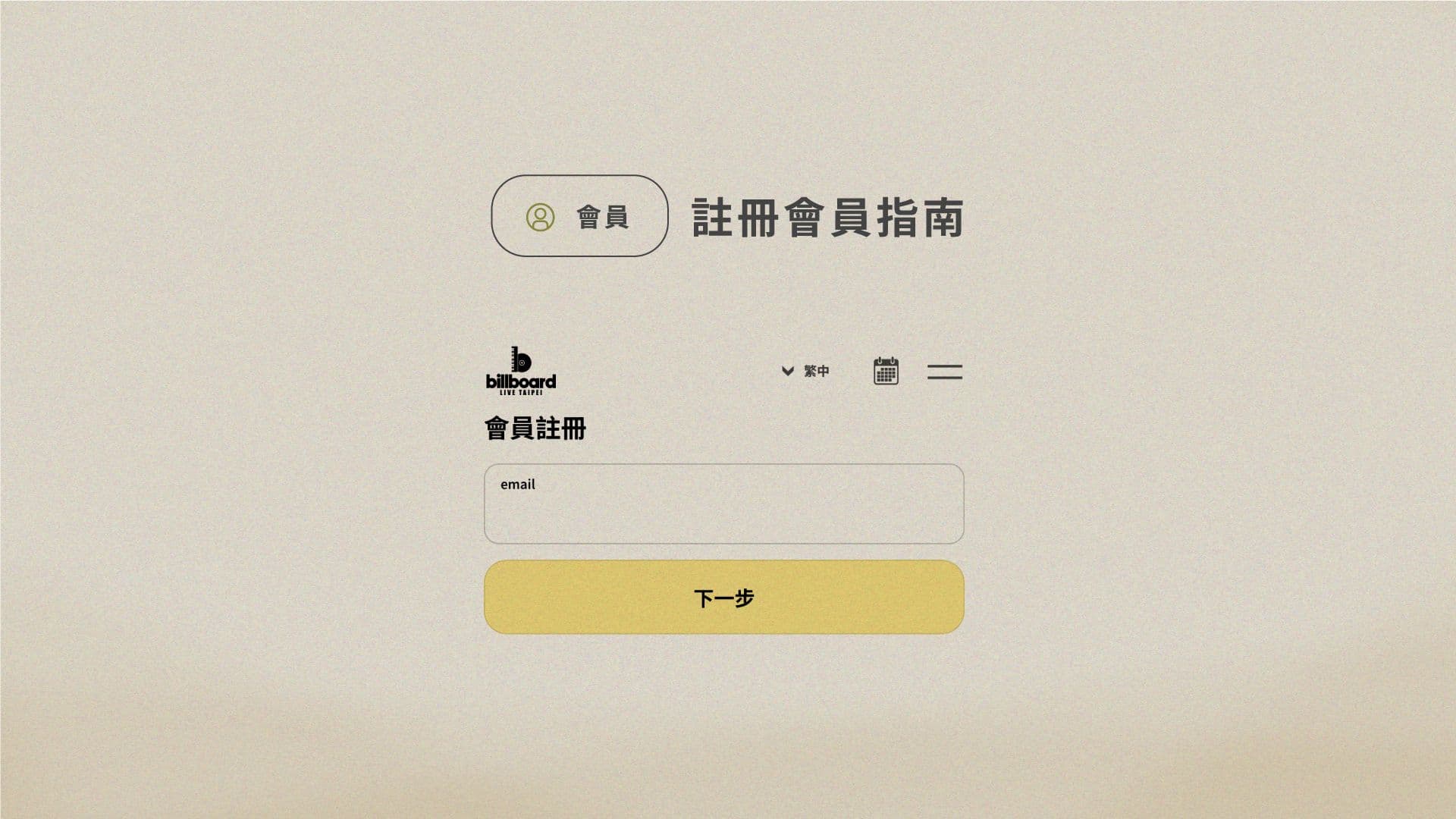
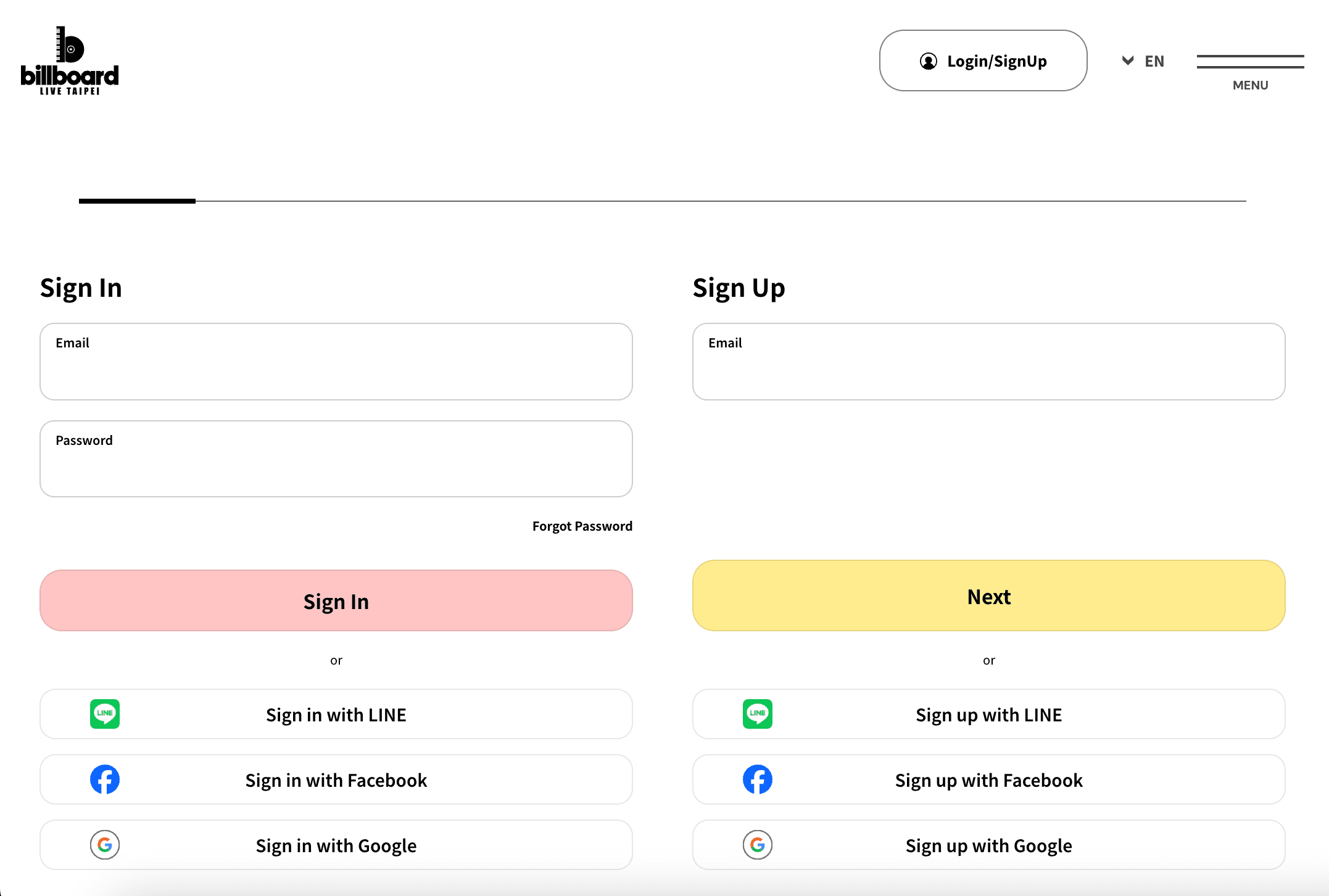
Step 1: Access the Registration Page

Article image
  • Visit the Billboard Live TAIPEI official website.
  • Click the “Login / Register” button at the top right corner.
  • Enter your email address in the registration section and click “Next”.
  • You may also register quickly using LINE, Facebook, or Google accounts.

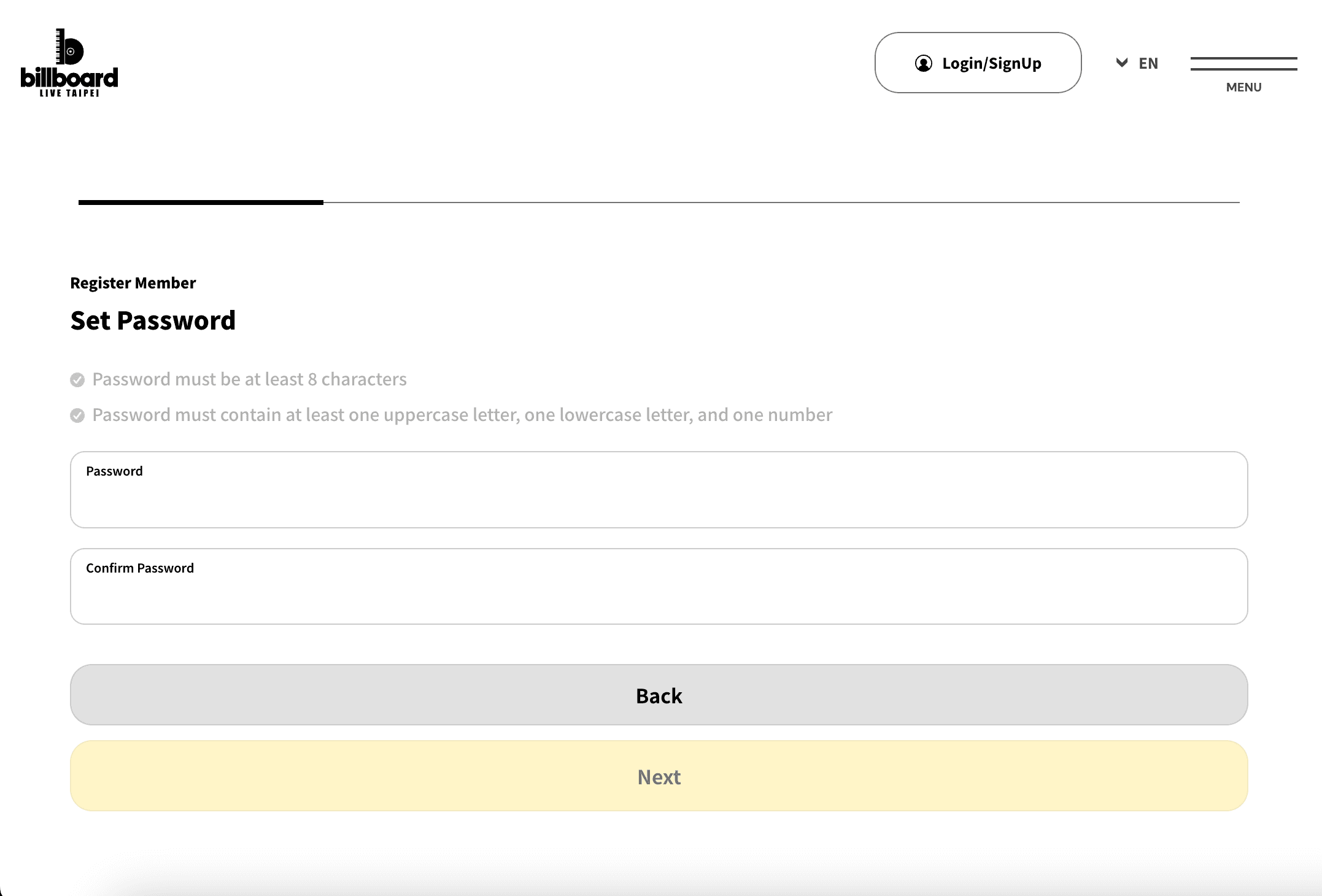
Step 2: Set a Password

Article image
  • Enter your password and confirm it again.
  • The password must be at least 8 characters long.
  • It must include at least one uppercase letter, one lowercase letter, and one number.
  • Note: If the system indicates that your password has appeared in a data breach, it is considered unsafe. Please use a different password.

Step 3: Email Verification

  • A 6-digit verification code will be sent to your registered email.
  • Enter the code to complete verification.
  • If you do not receive the code, select “Resend”.

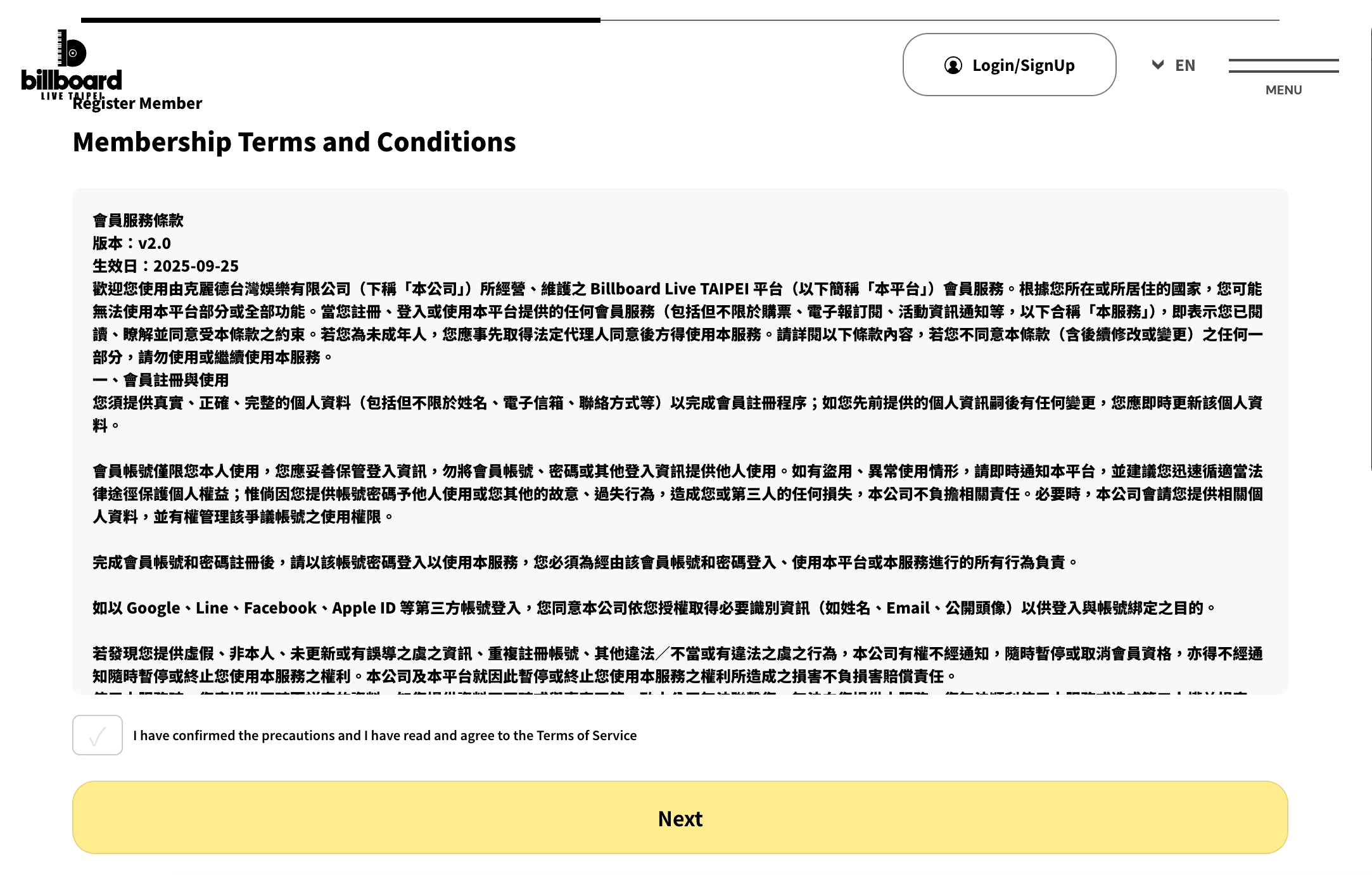
Step 4: Agree to Terms

Article image
  • Carefully read the Membership Terms of Service and Privacy Policy.
  • Check the box to agree, then click “Next”.

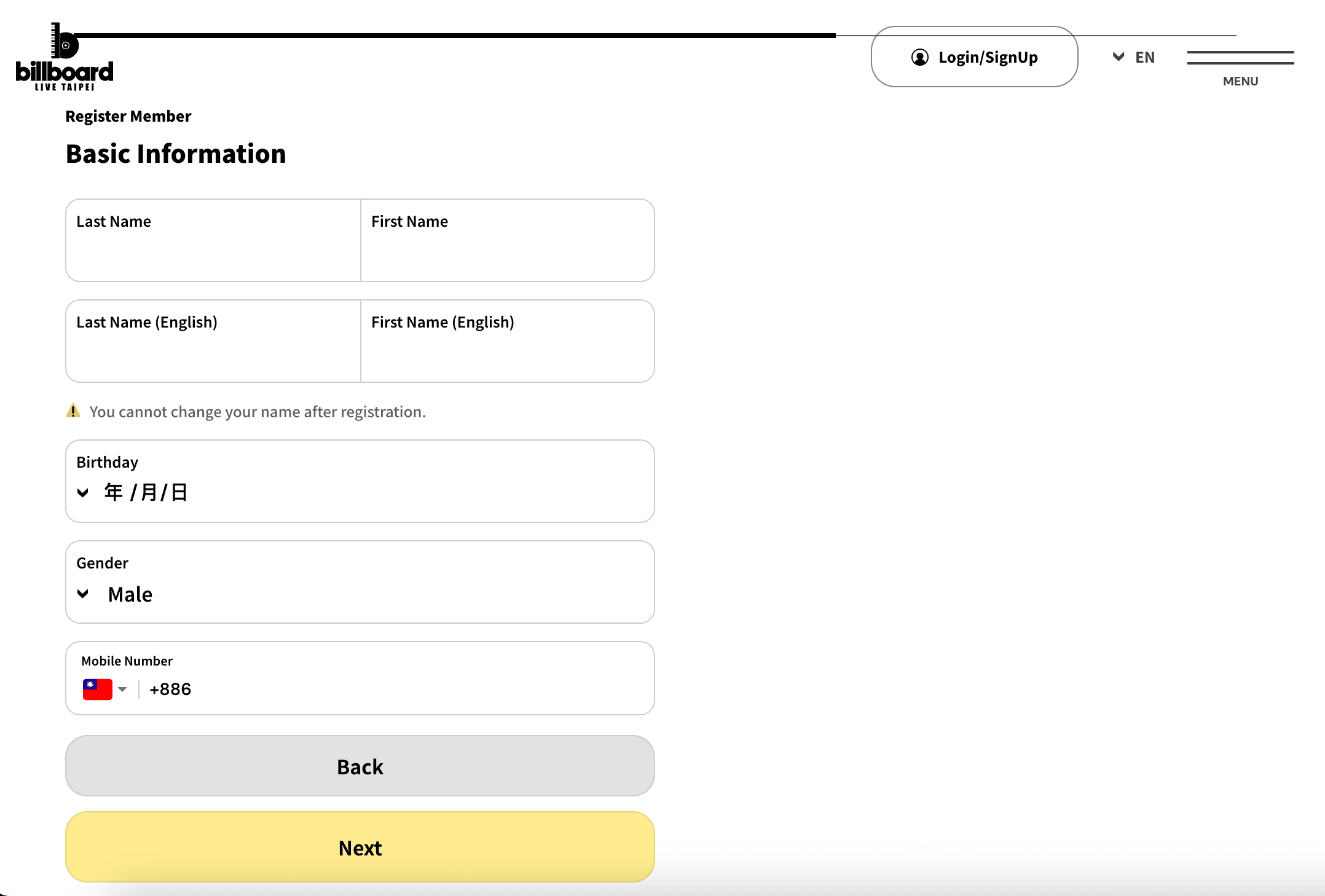
Step 5: Enter Basic Information

Article image
  • Provide your name (both in Chinese and English), date of birth, gender, and phone number.
    • Note: Your name cannot be changed after registration.
  • Select your place of residence(Optional).
  • Choose your primary language(s) (Optional, multiple selections allowed, e.g., Traditional Chinese, English, Japanese).

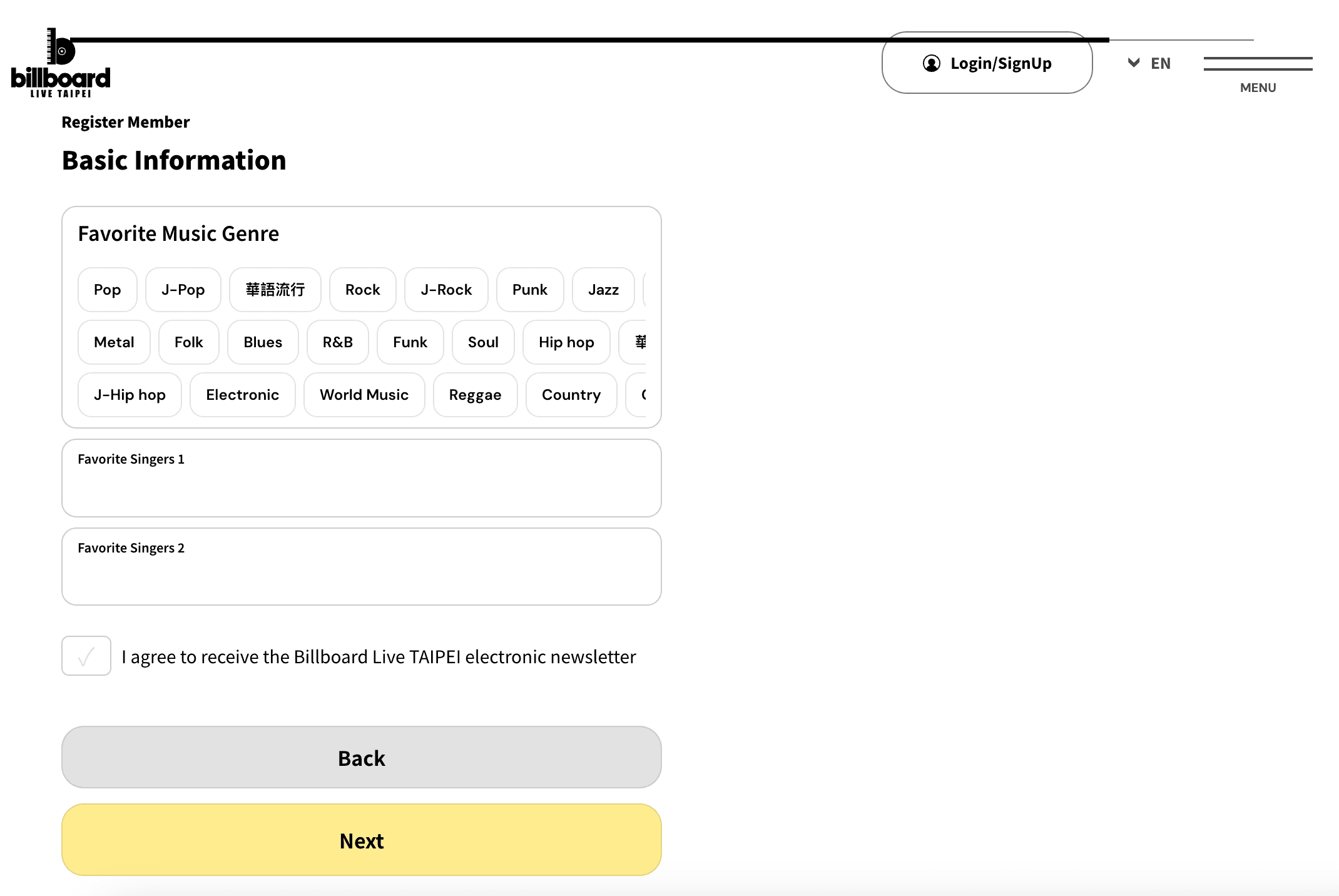
Step 6: Enter Music Preferences

Article image
  • Select your favorite music genres (Optional, e.g., Pop, Rock, R&B, J-Pop).
  • Enter up to two favorite artists(Optional).
  • Check the box if you wish to receive the Billboard Live TAIPEI newsletter.

Step 7: Complete Registration

  • Review all details and click “Complete”.
  • Congratulations! You are now a registered Billboard Live TAIPEI member and can log in to purchase tickets and receive updates.

Article Author